
Download Express Invoice Invoicing Software – Free, Secure Billing & Invoicing Tool
Express Invoice Invoicing Software is a free, lightweight business program designed to streamline every step of the billing cycle. From creating polished invoices and quotes to automating recurring statements, the application packs a professional‑grade feature set without demanding a steep learning curve or a costly subscription. Users can generate invoices, print, email, or even fax them directly from the interface, reducing the time it takes to get paid.
Integrated reporting gives instant insight into overdue accounts, sales‑person performance, and overall cash flow, empowering small‑to‑medium businesses to make data‑driven decisions. The software also syncs with Inventoria for inventory accuracy and supports multiple tax regimes, including GST for Australian users. While it lacks some high‑end capabilities found in premium platforms, its ease of use, offline functionality, and robust automation make it a compelling choice for entrepreneurs who want a reliable, secure, and free invoicing solution.
Key Features & Automation
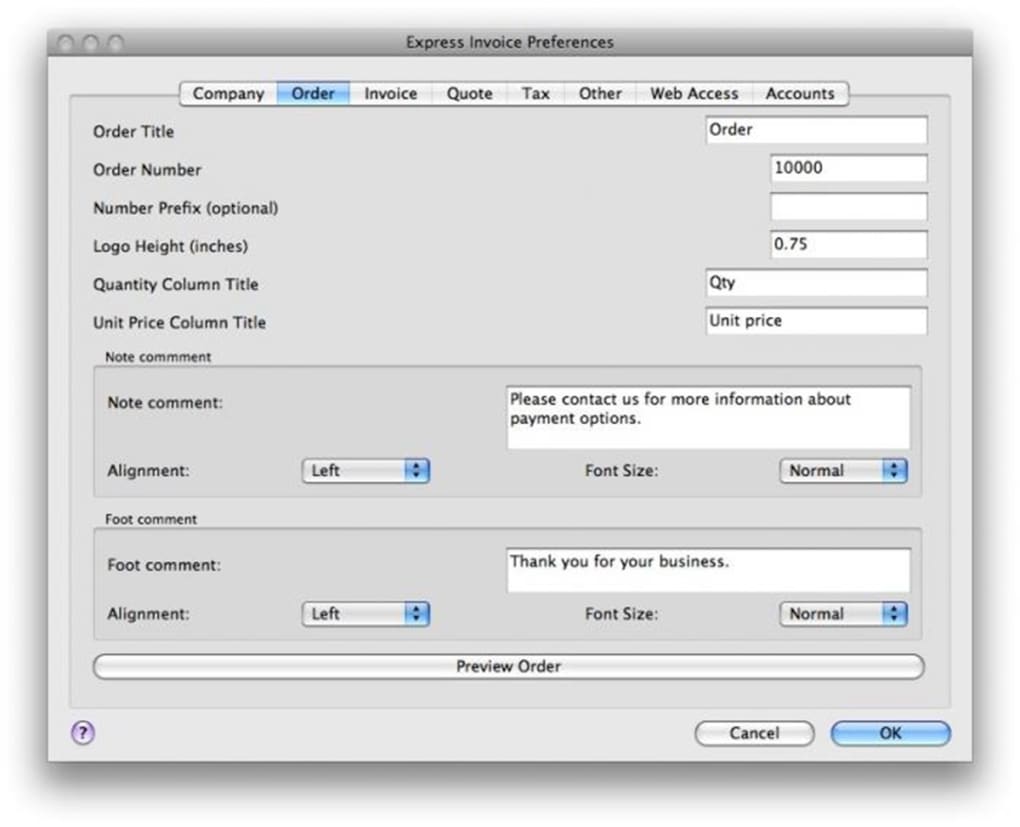
- Professional invoice, quote, and order templates with full branding options (logo, header, custom notes).
- One‑click email or fax delivery; instant PDF export for client‑ready documents.
- Recurring invoice and statement automation to eliminate repetitive data entry.
- Multi‑tax support, including GST, VAT, and custom tax rates.
- Comprehensive reporting suite covering unpaid invoices, salesperson performance, and overall sales trends.
- Integration with Inventoria inventory system for real‑time stock tracking.
- Device syncing for secure access on Windows, macOS, and mobile platforms.
- Wizard‑guided setup for multiple business profiles, ideal for freelancers managing several entities.
- Offline mode ensures you can create and edit invoices without an internet connection.
- Secure data storage with optional password protection and regular automatic backups.
Installation, Setup & Daily Usage
Installing Express Invoice is straightforward. Download the installer from the official website, then run the executable (Windows) or drag the app into the Applications folder (macOS). The wizard launches on first launch, prompting you to enter your company name, address, tax information, and preferred currency. You can also import a logo and set default payment terms, which saves time on each new invoice. Once the initial setup is complete, the dashboard presents a clean overview: quick links to create a new invoice, quote, or order; a summary of outstanding balances; and a navigation pane for reports and settings.
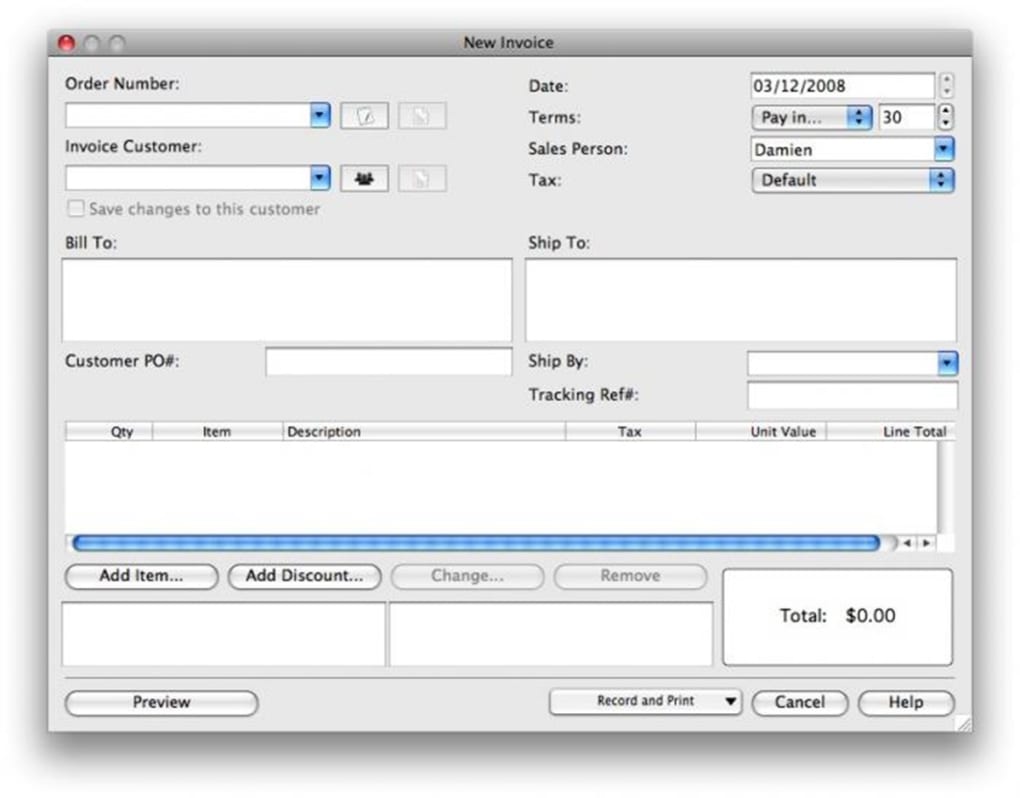
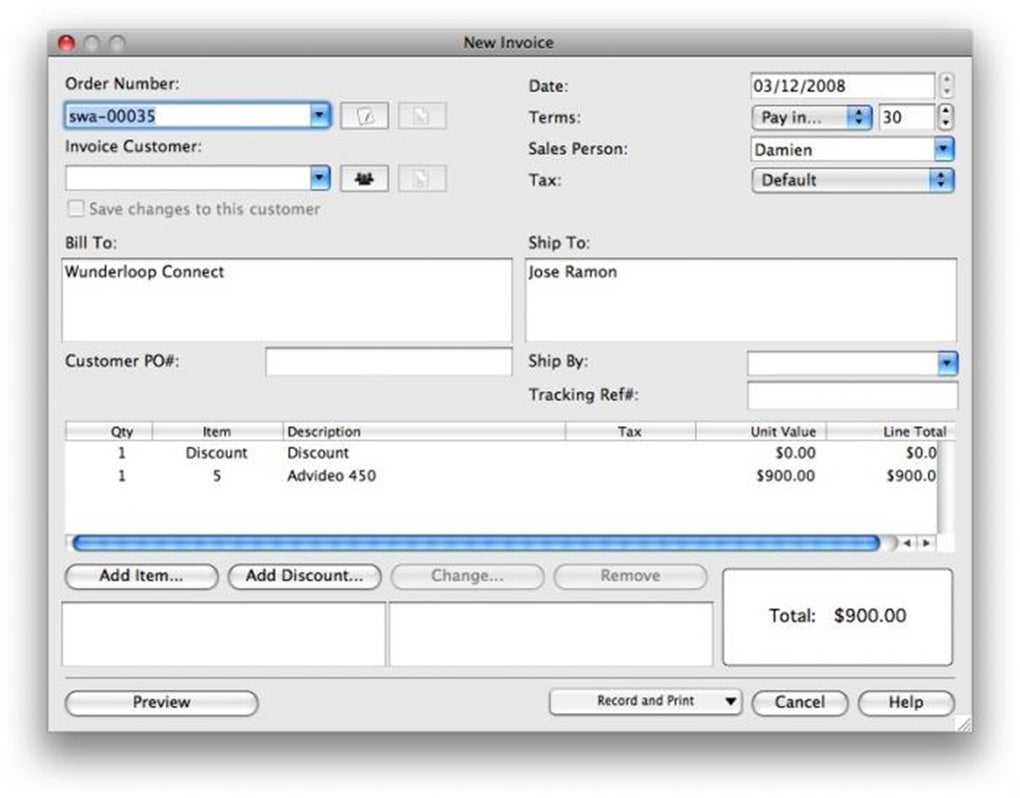
Daily usage revolves around three core actions: create, send, and track. To generate an invoice, click “New Invoice,” select a client from the address book (or add a new contact on the fly), choose a template, and fill in line items. The built‑in calculator automatically applies taxes and discounts.
After reviewing, you can save the document as a PDF, email it directly from the app, or fax it if your business still uses that channel. The “Recurring” tab lets you schedule invoices to be sent automatically on a weekly, monthly, or custom interval—perfect for subscription services. All sent invoices are logged, and the system flags overdue payments, sending polite reminder emails or statements without manual effort.
The reporting module can be accessed with a single click, presenting visual charts and exportable CSV files for deeper analysis.
Compatibility & System Requirements
Express Invoice is built with cross‑platform compatibility in mind. It runs natively on:
- Windows 7, 8, 10, and 11 (64‑bit recommended)
- macOS 10.13 High Sierra and later
- Linux distributions with GTK support (via the .deb or .rpm package)
- Android 6.0+ (via the companion mobile app)
- iOS 12.0+ (via the companion mobile app)
Minimum hardware requirements are modest: a 1 GHz processor, 2 GB RAM, and 200 MB of free disk space. Because the core engine is lightweight, the software runs smoothly on older machines, making it an excellent choice for startups that may still be using legacy hardware. All data is stored locally with optional cloud backup through popular services like Dropbox, Google Drive, or OneDrive, ensuring you can access your invoicing records from any device while maintaining security.
Pros and Cons
Pros
- Completely free with no hidden subscription fees.
- User‑friendly interface suitable for first‑time invoicing users.
- Robust automation for recurring invoices and overdue statements.
- Professional templates with full branding customization.
- Integrated reporting gives real‑time insight into cash flow.
- Offline capability ensures uninterrupted workflow.
- Multi‑tax support, including GST, VAT, and custom rates.
- Seamless sync with Inventoria inventory system.
- Cross‑platform availability (Windows, macOS, Linux, Android, iOS).
- Secure data handling with optional password protection and cloud backup.
Cons
- Lacks some advanced features found in premium competitors (e.g., built‑in time tracking, multi‑currency accounting).
- Occasional glitches reported with the recurring invoice scheduler.
- No native integration with major accounting platforms like QuickBooks or Xero.
- Limited customer support options – primarily community forums and email.
- Reporting visualizations are basic compared to enterprise‑grade tools.
Frequently Asked Questions
Is Express Invoice truly free or are there hidden costs?
Yes, Express Invoice is completely free for unlimited users. There are no subscription fees or hidden charges. Optional cloud backup services may have their own costs, but the core software remains free.
Can I customize invoice templates with my company logo?
Absolutely. The template editor lets you upload a logo, adjust header text, add custom notes, and choose colour schemes to match your brand identity.
Does the software support multiple tax rates for different regions?
Yes. You can define multiple tax rates, including GST, VAT, and custom percentages. Each invoice can apply a different tax configuration based on the client’s location.
How does Express Invoice handle recurring invoices?
The Recurring module lets you schedule invoices on daily, weekly, monthly, or custom intervals. While the feature works for most scenarios, a small number of users have reported occasional timing issues; the development team releases regular patches to address these bugs.
Is there a mobile app for managing invoices on the go?
Yes. Express Invoice offers companion apps for Android and iOS, allowing you to view, create, and send invoices from smartphones or tablets while keeping data synced with the desktop version.
Conclusion & Call to Action
Express Invoice Invoicing Software delivers a compelling mix of simplicity, automation, and professional presentation—all at zero cost. For small‑to‑medium businesses that need a reliable way to generate invoices, track payments, and gain quick insights into financial health, this tool checks most of the essential boxes. Its intuitive setup, offline capability, and multi‑platform support mean you can start billing clients within minutes, regardless of the device you use. While power users may miss deep integrations with accounting suites or advanced analytics, the core feature set is more than adequate for day‑to‑day billing operations. If you’re looking for a secure, free invoicing solution that reduces manual work and speeds up cash flow, Express Invoice is a solid choice.
Ready to simplify your billing? Download Express Invoice Invoicing Software now and start sending professional invoices today. Experience faster payments, automated reminders, and clear financial reporting without spending a dime.
Express Invoice offers an impressive set of features for a free product. The interface is clean, the automation saves time, and the reporting gives useful insights. Minor bugs with recurring invoices keep it from a perfect score, but overall it’s a great option for SMBs.







